
If your Organization offers discounts to either staff, siblings, etc. You can add these to your database.
To create a new or view an existing discount:
- Go to Setup
- Select Lists > Services > Discount Reason
- To view an existing Discount reason, click on the Edit Pencil to the left of it’s title.
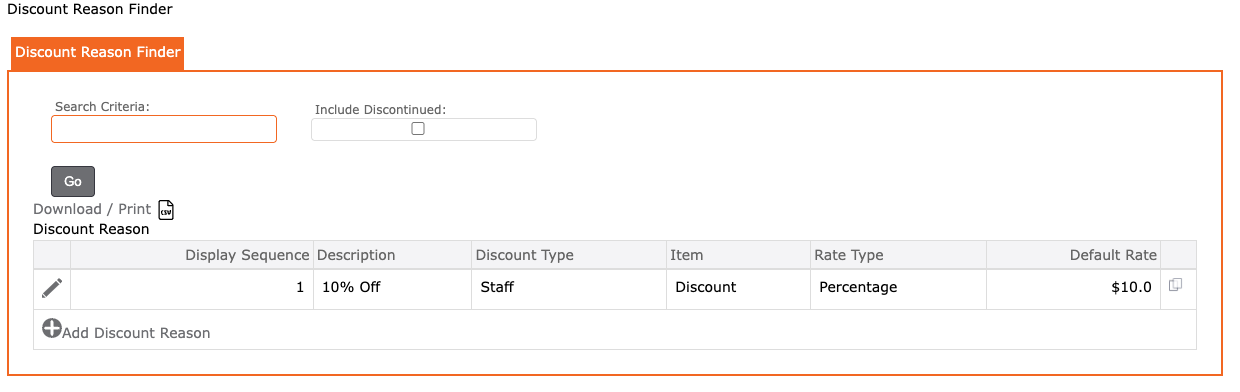
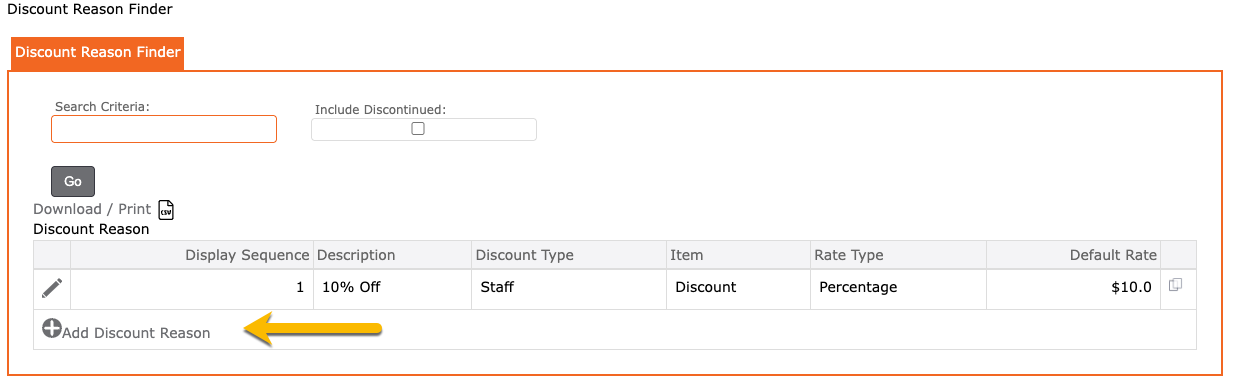
- To create a new discount reason, click on the “+ Add Discount Reason”
Display Sequence = The order number (example: 1, 2, 3 OR 10, 20, 30, etc.)
Description = The discount title or short description
Discount Type = Select between Staff, Sibling or Other
Item = Select the Item for this discount. If there is no item, please go and create one first.
Rate Type = Select between Flat or Percentage
Default Rate = The default rate for this discount
Discontinued = Select ONLY if this discount is no longer offered
Next applying a discount, please see How to Apply Discounts